 Skip to content
 Choosing the Right Connection for Live Television
Watching live television over broadband is popular across the UK. But a choppy picture ruins the experience fast. Getting your UK IPTV internet speed right stops endless buffering mid-match.
Many households assume basic broadband handles everything. That assumption usually leads to frustration. Streaming live feeds demands steady bandwidth. If other people share your Wi-Fi, demands spike even higher.
Let us look at what numbers actually matter. You do not need top-tier gigabit lines for standard viewing. Yet, rock-bottom speeds will always let you down.
Minimum Bandwidth Requirements for Standard and HD Streams
Standard definition streams require very little data. Roughly three megabits per second handles a basic picture. Few people watch in standard definition now, though.
High definition changes the game completely. Most live sports and entertainment broadcasts in full HD require at least ten to fifteen megabits per second. If you step up to ultra-high-definition channels, that requirement jumps past twenty-five megabits per second per active stream.
Remember that advertised broadband speeds are often theoretical maximums. Real-world performance fluctuates during peak evening hours. Your actual throughput might sit well below what your provider promises.
If you want to check your current setup before committing to a plan, our internet speed test guide for free trials covers the exact steps you need.
How Multiple Devices Impact Your Bandwidth
Homes rarely run just one internet-connected screen. Someone else might stream music, download large files, or browse social media while you watch television.
Every active device takes a slice of your total bandwidth pie. Four family members online simultaneously will choke a modest connection. Suddenly, your live feed drops quality or freezes entirely.
Shared household networks need breathing room. Experts suggest adding at least ten megabits per second of headroom above your baseline streaming requirement. That buffer absorbs background traffic surges without disrupting your viewing session.
Wi-Fi versus Ethernet for Reliable Streaming
Wireless signals degrade easily. Thick walls, distance from the router, and electronic interference all weaken your connection. Wi-Fi packet loss causes jitter and dropped frames.
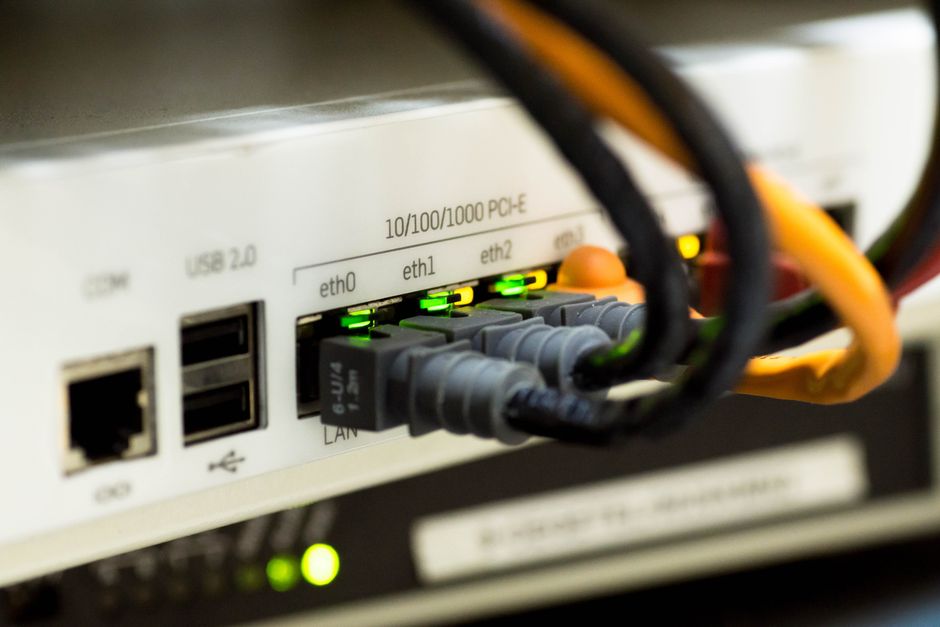
Plugging your streaming box directly into the router via a network cable solves these headaches instantly. A wired link delivers stable packets straight to your hardware.
If cables are not practical, moving your router out into the open helps immensely. Keep it away from thick brick walls and kitchen appliances.
Matching Your Provider Package to Your Viewing Habits
UK internet service providers offer a massive range of packages. Standard fibre-to-the-cabinet lines usually deliver around thirty to seventy megabits per second. Full-fibre connections push hundreds of megabits or even gigabit speeds into the home.
Most average families find a mid-tier fibre package hits the sweet spot. It provides enough capacity for multiple screens and heavy daily usage without costing a fortune.
Evaluate your current bills and actual data consumption. Upgrading makes sense if your current line constantly struggles under heavy evening loads.
Related reading
- What Happens to Your Home Network During UK Live TV Streaming?
- 4 Common Broadband Mistakes That Ruin Your IPTV UK Free Trial
