 Skip to content
 Choosing a Smart TV Platform for Your UK Living Room
Buying a new television used to mean checking the screen size and the number of HDMI ports. Today, the software running behind the glass matters just as much. These platforms control every app you open, from live TV catch-up services to global subscription platforms.
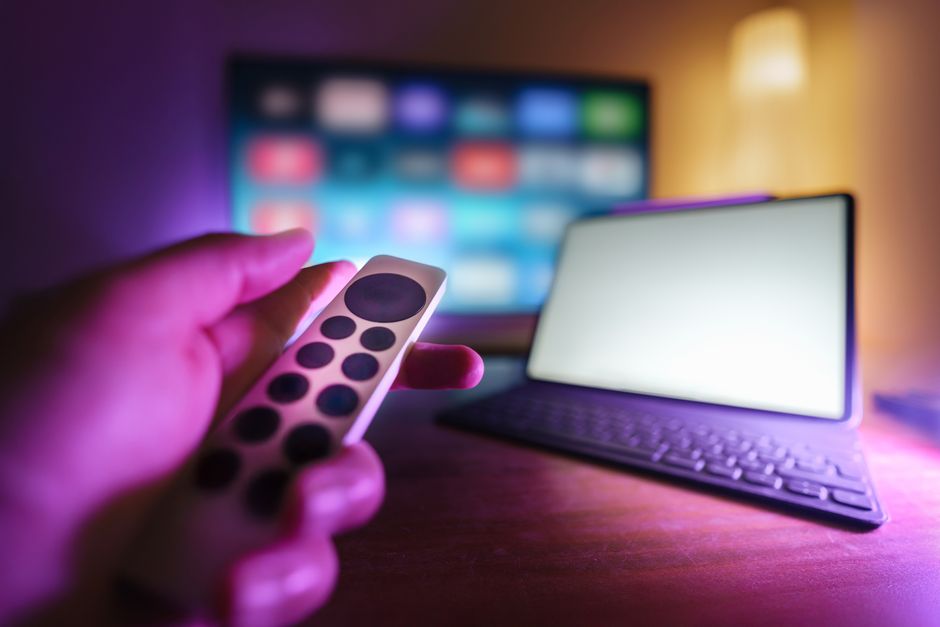
You will usually find three main smart TV operating systems dominating the UK market. Samsung uses Tizen, LG relies on webOS, and brands like Sony, Philips, and TCL build their sets around Google TV. Each interface feels different, handles app stores in unique ways, and supports different features.
Picking the right software platform makes daily viewing simple. Choosing poorly leaves you wrestling with sluggish menus or missing your favourite UK catch-up apps. Let us look at how these three major ecosystems stack up against each other.
Samsung Tizen: Familiarity and App Availability
Samsung remains the biggest television vendor in the UK. Their proprietary software, Tizen, powers millions of homes. The interface uses a clean bottom launcher bar that pops up without blocking the entire screen.
App support on Tizen is brilliant. Because Samsung holds such a massive market share, developers always build for it first. You get BBC iPlayer, ITVX, Channel 4, and My5 right away. International apps like Netflix, Disney+, and Prime Video run smoothly too.
Navigation is straightforward, though recent software updates have added more sponsored recommendations to the home screen. If you already own Samsung phones or tablets, integration features let you cast screens and share photos with minimal fuss.
LG webOS: The Magic Pointer Experience
LG takes a different approach with webOS. Originally designed for palm-sized mobile devices years ago, the platform shifted to televisions and won praise for its card-based layout.
When you press the home button, webOS takes over the whole screen. It feels busier than Samsung’s minimalist bar, but it surfaces content recommendations effectively. The standout feature is the Magic Remote. It works like an on-screen computer mouse, letting you point and click your way through menus.
App coverage is just as complete as Samsung. Every major UK broadcaster app is present, alongside mainstream streaming services. Older webOS versions stopped receiving software updates after a few years, but newer sets benefit from a webOS Re:New programme promising upgrades for several seasons.
Google TV: Customisation and Recommendation Depth
Google TV isn’t a standalone hardware brand. Instead, it runs on Sony, Philips, and TCL sets, plus dedicated hardware players. It replaces older Android TV software with a slicker, discovery-led interface.
The home screen puts content front and centre. It pulls suggestions from every service you subscribe to, mixing live TV with on-demand picks. Voice search via Google Assistant works exceptionally well, letting you find shows across multiple apps using natural speech.
App variety is massive because the Google Play Store hosts thousands of programs. Side-loading less common apps is also possible for advanced users, though standard UK viewers will care most about reliable access to local streaming tools. Sometimes, though, the heavy focus on recommendations makes the interface feel cluttered compared to webOS.
App Support and Performance Face-Off
Hardware power dictates how fast these systems run. Budget screens often pair weak processors with heavy operating systems, leading to frustrating lag when opening menus.
Samsung and LG build custom chips tailored to their specific software, which helps keep navigation snappy even on mid-range models. Google TV relies on various third-party processors depending on the TV manufacturer, so performance varies wildly between a cheap TCL set and a high-end Sony OLED.
UK catch-up integration is strong across all three. However, updates occasionally break things. If a broadcaster updates their app API, you might notice a brief window where streaming fails until a patch arrives. Our smart TV operating systems explained guide breaks down more common myths about how these platforms handle performance.
Final Verdict: Which Platform Wins?
Choosing between these smart TV operating systems depends entirely on what you value most in your daily routine.
Go with Samsung Tizen if you want a reliable, fast interface that works predictably and supports every mainstream app without drama. Pick LG webOS if you enjoy the convenience of the pointing remote and want a colourful, app-dense layout. Choose Google TV if you love personalised recommendations, deep voice search integration, and want the freedom of the Android ecosystem.
Related reading
- How to Set Up and Configure IPTV Apps on Samsung Tizen Smart TVs in the UK
- Apple TV 4K vs Android TV: Choosing the Right Streaming Set Top Box in the UK
