 Skip to content
 Streaming live television over your broadband connection requires reliable bandwidth. If you want a smooth viewing experience without frustrating interruptions, choosing the right internet speed for IPTV is essential for UK households. Many viewers assume standard fibre is always enough, but multiple devices running at once can quickly choke your connection.
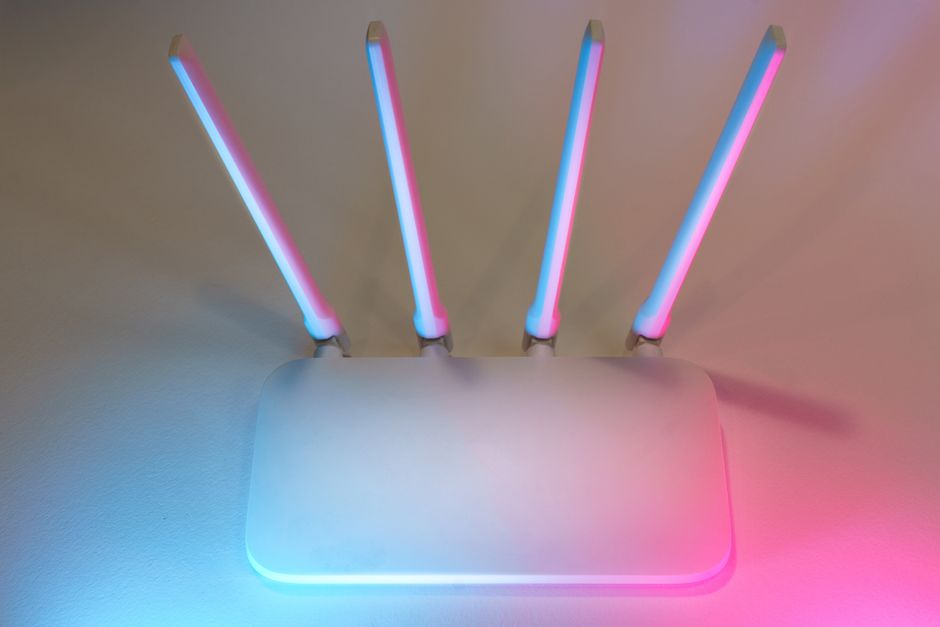
Let’s look at the numbers. Standard high-definition streaming usually demands around 5 Mbps to 10 Mbps per screen. If your household prefers 4K Ultra HD broadcasts, you’ll need closer to 25 Mbps or higher for each active stream. But remember that real-world performance rarely matches what your internet provider advertises on paper.
Understanding UK Broadband Tiers
Most British street cabinets now support superfast or ultrafast connections. Entry-level fibre packages typically offer around 35 Mbps to 65 Mbps. These tiers easily handle a single 4K stream alongside normal web browsing. Still, larger families often run into trouble during peak evening hours when neighbourhood traffic spikes.
If three people stream different shows while someone else downloads a large file, even a 65 Mbps line might struggle. Upgrading to full-fibre packages offering 150 Mbps or higher gives you plenty of overhead. For a deeper dive into packages, our guide to choosing an internet speed for IPTV in the UK breaks down the exact thresholds you should look for before signing a new contract.
Wi-Fi Versus Wired Connections
Your raw broadband speed means little if your Wi-Fi signal drops constantly. Thick walls and wireless interference often ruin an otherwise fast connection. Moving your streaming box closer to the router helps immensely. Better yet, plug an Ethernet cable directly into your television or streaming stick.
Wireless dead zones cause random buffering even on gigabit lines. If you notice stuttering during peak viewing times, check whether other devices are hogging your bandwidth. Background updates and cloud backups often kick in without warning.
Testing Your Actual Line Speed
Never rely solely on your provider’s estimates. Run an independent speed test from a device connected directly to your router using a cable. Do this during the evening when your street is busiest. If your evening speeds drop below your streaming requirements, you might need to troubleshoot your home network or talk to your provider about line faults.
Related reading
- How to Measure Broadband Speed for IPTV Streaming at Home
- How UK Broadband Providers Handle IPTV Traffic
