 Skip to content
 - Understanding HDMI Specifications for UK Streaming Devices
- HDMI 2.0 vs HDMI 2.1: What Actually Matters
- Connecting Set-Top Boxes, Media Players, and Consoles
- Spotting Cheap Counterfeits and Uncertified Leads
- Audio Return Channel (ARC and eARC) for Soundbars
- Troubleshooting Common Black Screen and Handshake Issues
You plug your new streaming box into the back of your television, switch everything on, and wait for that crisp 4K picture. Sometimes, the screen flickers black, or the audio drops out during a tense football match. People often blame their broadband provider or the streaming app. Usually, the culprit sits right there behind the unit. A substandard wire struggles to push massive data loads across the room.
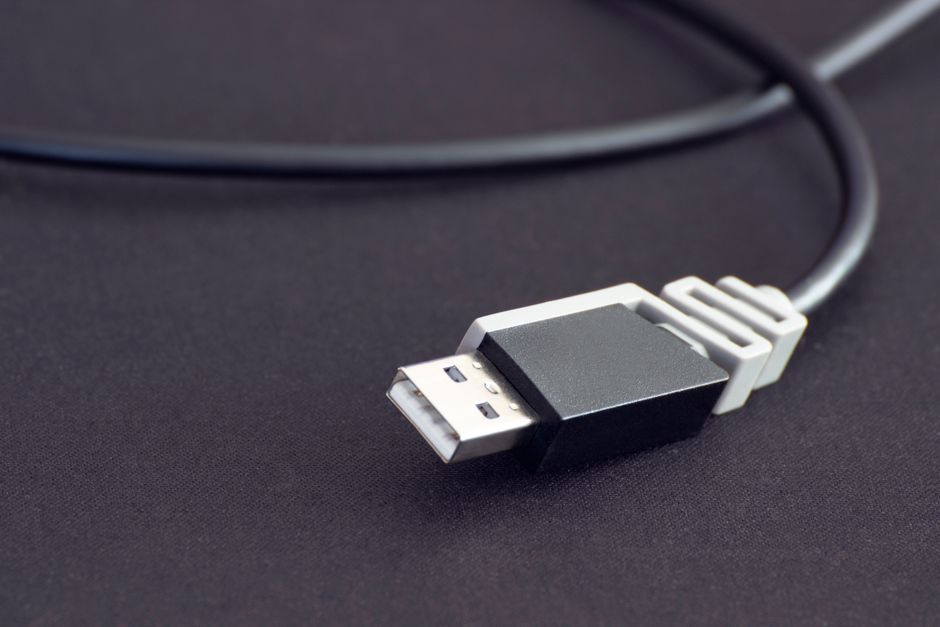
Choosing a proper HDMI cable for streaming matters more than most buyers realise. Modern UK living rooms rely on high-bitrate video feeds, spatial audio formats, and high dynamic range metadata. Your television and streaming device might support cutting-edge technology. Your wire must match that capability.
Understanding HDMI Specifications for UK Streaming Devices
Manufacturers label their products with version numbers like HDMI 1.4, 2.0, or 2.1. These numbers confuse buyers. The HDMI Licensing Administrator actually discourages using version numbers on packaging now. They prefer official certification names.
Standard speed wires handle older high-definition broadcasts easily. They fail when pushed into ultra-high-definition territory. High Speed cables support 4K video at thirty frames per second. Ultra High Speed cables handle 4K at up to one hundred and twenty frames per second. They also support 8K content.
Streaming devices like the Apple TV 4K or Amazon Fire TV Cube push enormous amounts of data. They demand high bandwidth. Without adequate capacity, your device drops the resolution automatically to keep the feed stable. You lose visual fidelity without even noticing until textures look soft.
HDMI 2.0 vs HDMI 2.1: What Actually Matters
HDMI 2.0 tops out at eighteen gigabits per second. That bandwidth handles standard 4K HDR streams from Netflix, BBC iPlayer, and Disney Plus brilliantly. Most everyday viewers do not need anything faster for basic video playback.
HDMI 2.1 pushes forty-eight gigabits per second. It handles high frame rates, variable refresh rates, and uncompressed audio formats. Gamers need this extra headroom. Streamers watching standard films do not. Still, buying an Ultra High Speed wire future-proofs your living room setup.
Price rarely reflects performance here. Gold-plated connectors do not improve digital signal transmission. Digital signals either arrive intact or drop out entirely. You do not get warmer colours or deeper blacks from expensive copper.
Connecting Set-Top Boxes, Media Players, and Consoles
Different streaming hardware places unique demands on your connection. A standard Freeview box requires far less bandwidth than a modern media player streaming high-bitrate sports content. Your television ports also matter.
Many smart TVs feature four HDMI inputs. Only two of those ports often support full bandwidth features. Plugging your main media player into an older port restricts your video settings. Check your manufacturer manual to find the optimal port.
Cable length changes everything. Standard passive wires degrade over long distances. Once a wire exceeds three metres, signal loss becomes a real risk for high-bandwidth 4K video. If your setup spans a larger room, standard copper fails. Active optical cables solve this problem by converting electrical signals into light pulses.
Spotting Cheap Counterfeits and Uncertified Leads
Online marketplaces flood the UK market with uncertified wires bearing fake certification logos. These products often use thin copper-clad aluminium instead of pure copper. They struggle with high-bandwidth loads.
Look for the official certification mobile app checker. Ultra High Speed leads feature a holographic QR code on the packaging. Scanning this code verifies authenticity instantly. Legitimate manufacturers want you to see that verification.
Build quality tells you a lot. A sturdy braided exterior protects internal shielding from physical damage and electromagnetic interference. Tight bends damage internal conductors over time. Give your wires a gentle curve behind the cabinet rather than sharp ninety-degree angles.
Audio Return Channel (ARC and eARC) for Soundbars
Video is only half the battle in a modern home cinema. Sound bars and AV receivers connect back to your smart TV through a specific audio return channel port. This setup sends audio from built-in streaming apps down into your sound system.
Standard ARC handles compressed surround sound formats like Dolby Digital. It lacks the bandwidth for lossless Dolby Atmos tracks found on premium streaming tiers. Enhanced Audio Return Channel, known as eARC, requires high-speed transmission capabilities.
If you connect a soundbar using an old wire, your smart TV downmixes high-end audio tracks. You lose immersive height channels and clarity. Upgrading this single wire transforms dialogue intelligibility and spatial effects.
Troubleshooting Common Black Screen and Handshake Issues
Have you ever seen your screen flash black for a few seconds mid-stream? That interruption usually stems from a handshake failure between devices. The streaming box and television constantly verify copy protection credentials using HDCP protocols.
When a wire fails certification standards, that digital handshake breaks down. The screen goes dark while the devices negotiate a lower resolution or fallback security protocol. Swapping out a flaky lead fixes this headache immediately.
Check your physical connections first. Loose plugs cause intermittent signal drops. Push every connector firmly until it clicks into place. Dust inside the port also blocks pins. Clean out your television ports gently if connection drops persist.
Investing in a certified, correctly rated wire saves hours of frustration. Match your hardware requirements to the right specification, keep lengths sensible, and enjoy stable entertainment without unexpected interruptions.
Related reading
- IPTV UK Set-Top Box Myths vs Facts: What Viewers Need to Know
- Smart TV vs Streaming Device: Which Setup Suits Your UK Living Room?
