 Skip to content
 Picture the scene. You sit down on the sofa to watch a Premier League match or a Friday night drama on BBC iPlayer, and the screen freezes right at the crucial moment. Frustration sets in immediately. Many households instantly blame their broadband provider, but the real culprit often hides behind the debate of Smart TV Wi-Fi vs Ethernet connections.
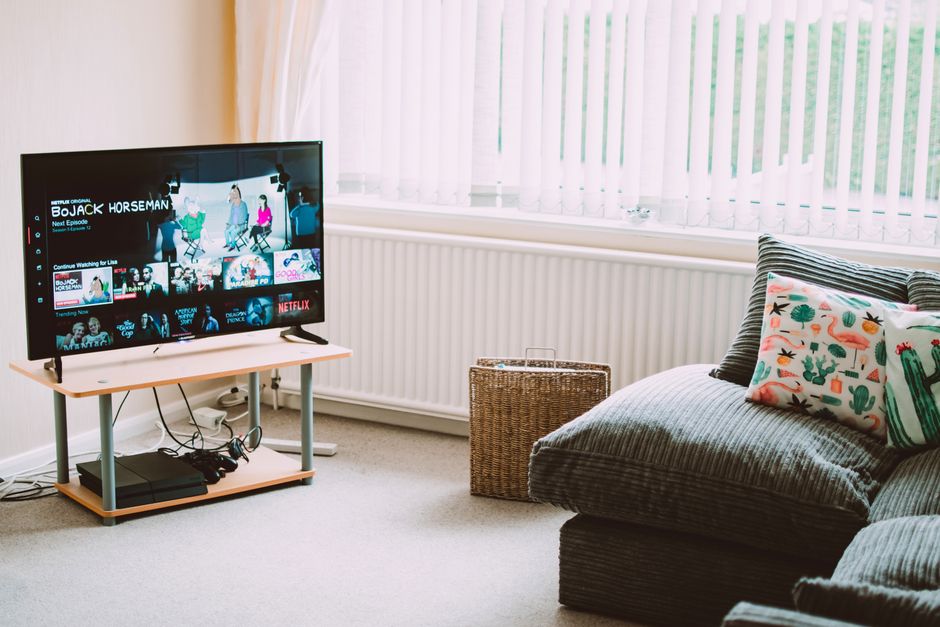
Plenty of conflicting advice floats around online regarding how televisions connect to home routers. Some people claim wireless networks are now just as fast as wired ones. Others insist physical cables are the only way to prevent annoying video stutter. Let us clear up the confusion. We are going to look at the most common misconceptions surrounding home networking for televisions across the UK.
Myth One: Modern Wireless Routers Mean You Never Need Cables
Broadband providers ship out sleek, modern hubs packed with Wi-Fi technology. These boxes often support fast wireless standards. Because of this, many assume wireless signals easily handle heavy video data.
The reality is quite different. UK housing stock features plenty of solid brick walls, foil-backed insulation, and thick concrete floors. These materials destroy wireless signal strength. A router sitting in the hallway struggles to push a clean signal into a living room at the back of the house.
Wireless interference also causes major headaches. Microwaves, baby monitors, and neighbouring routers operating on the same frequency channels all disrupt your connection. Your television might show full signal bars, but hidden packet loss still causes video quality to drop from 4K down to a blurry standard definition.
Myth Two: Choosing Smart TV Wi-Fi vs Ethernet Makes No Difference to Speed
Some users think a fast broadband package solves all network bottlenecks automatically. If your line delivers 150 megabits per second, surely the television gets all the speed it needs over the airwaves.
Raw speed is only part of the equation. Stability matters just as much. Wireless connections suffer from latency spikes. A wired setup eliminates airwave interference entirely. When you compare Smart TV Wi-Fi vs Ethernet performance during peak evening hours, wired connections consistently deliver lower ping times and zero dropped frames.
If you want to check how your line performs before tweaking your setup, running a quick connection speed test on a phone or laptop connected to the same network gives you a reliable baseline.
Myth Three: Setting Up Wired Cables is Too Difficult
Many homeowners avoid physical network cables because they picture messy wires running across carpets and tripping up family members. People assume drilling holes through walls is mandatory.
You have plenty of cleaner options available. Flat network cables slide easily beneath skirting boards or under rugs without creating bulges. Powerline adapters offer another clever alternative. These clever plugs send data through your home electrical wiring, turning any standard wall socket into an internet port.
For a complete breakdown of physical installation methods, our Ethernet connection setup guide walks through the practical steps needed to wire your living room safely.
Myth Four: 5GHz Wi-Fi Solves Every Streaming Problem
Internet service providers often split home wireless into 2.4GHz and 5GHz bands. Users frequently hear that switching their television to the 5GHz frequency fixes all buffering issues.
The 5GHz band moves data much faster than older frequencies. It handles high-bitrate video streams with ease. However, it comes with a major drawback. Higher frequencies struggle to pass through solid obstacles.
Step out of the room or place a large sofa between the router and the screen, and the 5GHz signal drops dramatically. If your television sits in a different room from your broadband hub, that fast wireless band might not reach it reliably at all.
Practical Solutions for Better UK Streaming
Fixing your home network does not require an engineering degree. Start by evaluating your physical space. Can you run a discrete cable from your router to your television? If yes, do it. Wired connections remove wireless congestion permanently.
If cabling is truly impossible, look closely at your wireless environment. Move your router away from thick metal appliances and radiators. Keep it off the floor and place it out in the open. Sometimes simply shifting the hub a few feet makes a noticeable difference to your viewing experience.
Smart TV Wi-Fi vs Ethernet choices ultimately depend on your home layout. Take a practical approach, test your options, and enjoy uninterrupted entertainment.
Related reading
- How to Set Up an Ethernet Connection for Stable IPTV Streaming in the UK
- How to Test Internet Speed Before Starting an IPTV Free Trial in the UK
