 Skip to content
 Streaming television over your home internet connection has completely transformed how households watch programmes across the country. Millions of homes now rely on media adapters plugged directly into the back of their television screens rather than traditional aerials or satellite dishes. Among these streaming hardware options, the Amazon device remains a popular choice for living rooms, bedrooms, and kitchens alike. Setting up a Fire TV Stick UK configuration takes only a few minutes, but getting the best performance requires looking past the basic welcome screen.
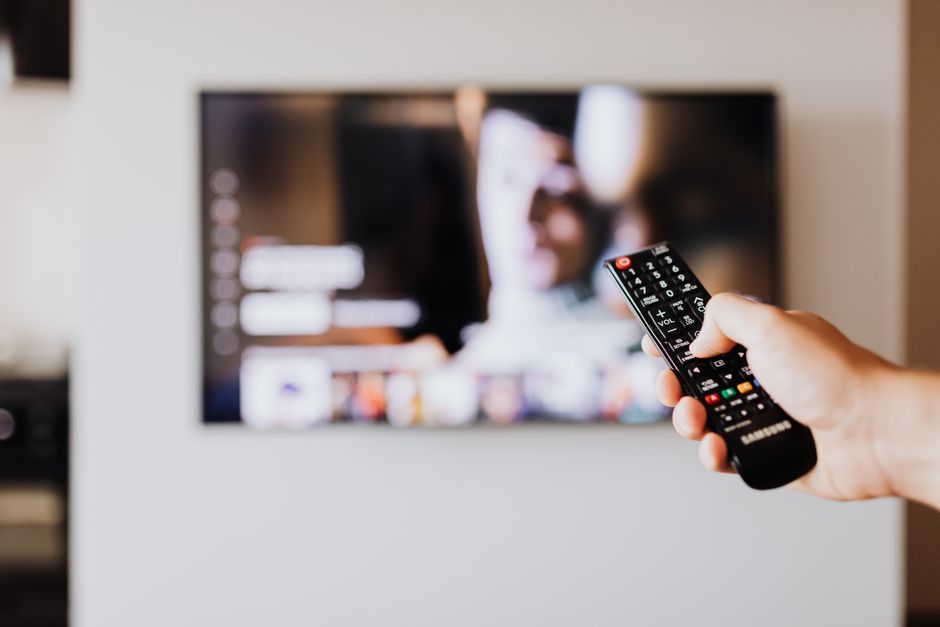
Hardware performance depends heavily on external factors. Your home broadband connection, local network congestion, and device storage all play massive roles in video quality. Ignoring these details leads to frustrating buffering screens and dropped connections during live broadcasts. Let us look at five critical factors you should check before you start watching.
1. Checking Your Home Broadband Speed and Stability
Your streaming quality rises or falls based on your broadband connection. High-definition video requires a steady download speed, while ultra-high-definition streams demand significantly more bandwidth. Many users plug their media player in and assume their internet package will handle the load automatically. Reality often proves different.
Wi-Fi interference from thick walls or neighbouring networks frequently disrupts live video feeds. Before you settle in for an evening of television, you should evaluate your network performance. If you want to know how well your connection handles heavy video traffic, running a check is a sensible first step. You can read our guide on how to test internet speed before starting an IPTV free trial in the UK to see what your hardware is actually pulling down from your internet provider. A wired connection often solves sudden speed drops if your router sits close to the television.
2. Understanding App Availability on Amazon’s Appstore
Not every streaming application is available in every region. Software catalogs change depending on your registered account location. When you configure your hardware, your Amazon account region determines which applications appear in your search results.
UK viewers need access to specific domestic catch-up services like BBC iPlayer, ITVX, Channel 4, and My5. If your Amazon account points to a different country, these official platforms might stay hidden from your search menu. Always check your account settings through a web browser before downloading software onto your streaming device. Make sure your home address and country settings match your actual location.
3. Managing Storage Space on Your Streaming Stick
Compact media players do not come with massive hard drives. Storage space is surprisingly limited on standard streaming sticks. You cannot download dozens of heavy applications or games without running out of memory quickly.
Running low on internal storage triggers system lag and blocks software updates. Check your available memory under the device settings menu every few months. Delete old applications you no longer use. Clearing cached data from heavy video players also recovers valuable megabytes. Keeping your storage clear ensures the user interface responds instantly when you press buttons on your remote.
4. Optimising Wi-Fi Bands for Live Video Streams
Modern wireless routers broadcast on multiple frequency bands. Most home networks offer both a 2.4 GHz band and a 5 GHz band. Choosing the right band makes a huge difference for live internet television.
The 2.4 GHz band travels further through walls, but it handles heavy data poorly and suffers from interference caused by household appliances. The 5 GHz band delivers much faster speeds and handles dense video streams cleanly, provided your router sits within a reasonable distance. Connecting your media player to the faster 5 GHz frequency avoids common wireless dropouts. If you want to dive deeper into wireless performance, our detailed breakdown of Smart TV Wi-Fi vs Ethernet common myths in UK homes explains how different frequencies handle continuous video data.
5. Verifying Official Licensing and UK TV App Compliance
Content regulations in the UK require proper broadcasting licenses for television services. Official applications must comply with local media laws. Always download software directly from authorised storefronts.
Sideloading unverified applications from strange sources exposes your hardware to security risks. Rogue software can compromise your personal data or damage your device operating system. Stick to trusted platforms listed in the official app store. This keeps your household compliant with UK broadcasting regulations and guarantees reliable customer support if something goes wrong.
Taking a few moments to verify these five areas transforms your viewing experience. A stable network, clean storage, and properly configured software keep your television running smoothly day after day.
Learn more on Wikipedia: Fire TV Stick.
Related reading
- How Do I Find and Install Legal IPTV Apps in the UK?
- Which Streaming Device Works Best with Legal IPTV Apps in UK Living Rooms?
