 Skip to content
 Buying a new television used to mean checking screen size and resolution. Today, the software running inside the chassis matters just as much. Different smart TV operating systems handle everything from app loading times to your home screen layout in entirely unique ways. Samsung uses Tizen, LG relies on webOS, and brands like Sony, Philips, and TCL build their sets using Google TV or Android TV.
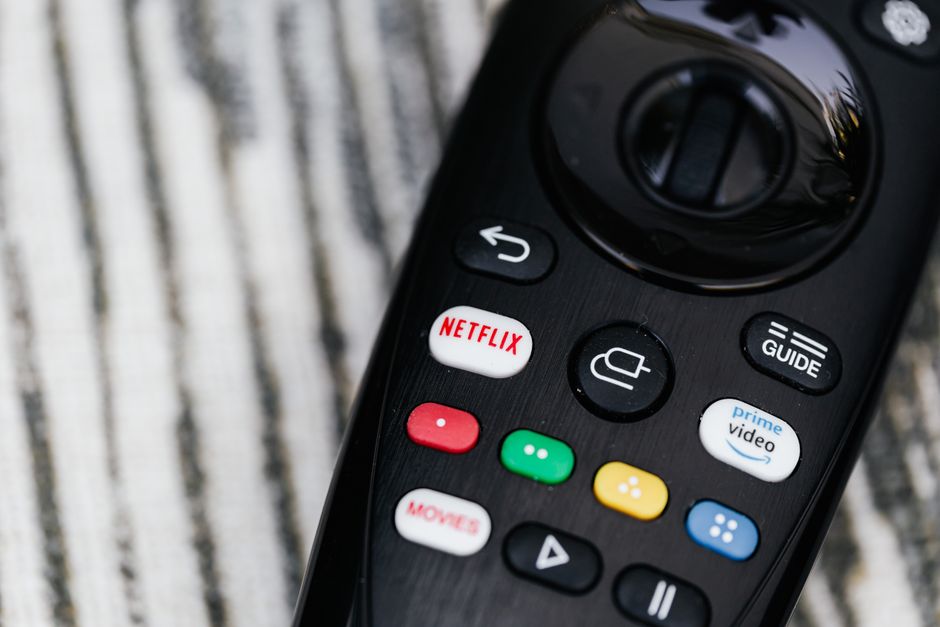
Understanding how these platforms differ helps you avoid frustration later. We break down five core factors you need to consider before picking your next living room screen.
1. App Availability Across Different Smart TV Operating Systems
Not every app works on every television brand. Major catch-up services like BBC iPlayer, ITVX, Channel 4, and My5 are standard across almost all mainstream platforms sold in the UK. However, niche streaming apps, international players, or specific media clients might only support certain environments.
Android TV and Google TV usually offer the widest selection because Google’s app store hosts thousands of titles. LG and Samsung have large developer bases too, meaning their respective software platforms get most major releases quickly. Smaller brands running proprietary or lesser-known software often struggle with app support. They might lack vital updates or miss out on newly launched streaming platforms entirely.
2. Hardware Performance and Interface Speed
Software needs capable hardware to run smoothly. Budget televisions often pair basic processors with stripped-down smart TV operating systems, leading to frustrating lag when you press buttons on your remote. Scrolling through a dense grid of film recommendations should feel instant. Instead, weak chips cause stuttering animations and slow menu loads.
High-end sets feature powerful quad-core processors and extra RAM to keep navigation crisp. If you buy a cheaper model, expect a less responsive menu. Many UK households bypass this issue entirely by plugging in a dedicated streaming stick like an Amazon Fire Stick or Roku box, treating the television purely as a display panel.
3. Integration with UK Catch-Up and Free-to-Air Platforms
British television viewing habits rely heavily on public service broadcasters and hybrid platforms. Freeview Play integration appears built directly into many modern television menus, letting you scroll backward through an electronic programme guide to watch missed shows.
Platforms handle this differently. Some embed catch-up options directly into the main home screen recommendation rows. Others require you to open individual applications for each channel. If your household watches a lot of live terrestrial television, check how neatly the software surfaces live channels alongside on-demand apps.
4. Software Updates and Long-Term Support
Smart televisions are computers disguised as monitors. They need security patches and feature updates just like your mobile phone. Premium manufacturers typically guarantee major software updates for three to five years after a model launches. Budget manufacturers often abandon software support much sooner.
Once updates stop, apps can break. Streaming providers frequently update their code to improve performance or security. If your television stops receiving updates, older app versions might eventually refuse to connect. Buying from a well-known manufacturer usually ensures your software remains functional for a longer lifespan.
5. Network Connectivity and Streaming Reliability
Your television software relies entirely on a steady internet stream to deliver high-definition video. Wi-Fi performance varies wildly depending on thick Victorian walls, router placement, and network congestion from other devices in your home. Smart TV operating systems manage network connections differently, with some offering more stable Wi-Fi handshakes than others.
Wireless interference causes endless buffering loops during peak evening hours. Many viewers choose a wired cable setup to bypass wireless dropouts entirely. If you want to dive deeper into home networking specifics, our Smart TV Wi-Fi vs Ethernet: Common Myths in UK Homes guide clears up common misunderstandings about network speeds.
