 Skip to content
 When you plug a media player into the back of your living room television, you expect instant access to your favourite programmes. Deciding between a Fire TV Stick vs Google Chromecast shapes how you watch British television every single evening. Both plug directly into an HDMI port and draw power from a USB socket, but their underlying software approaches differ sharply.
Amazon and Google take separate paths when designing their living room hardware. One relies on a heavily tailored retail ecosystem. The other focuses on Google TV integration and casting features. Understanding these differences helps you pick the right device for your household.
Operating Systems and User Interfaces
Software dictates how fast you find your shows. Fire OS runs on Amazon hardware. It puts Prime Video content front and centre. You see promotional banners right at the top of the screen. Sponsored recommendations appear frequently.
Google TV organises your media differently. It aggregates content across multiple streaming apps into a single homepage. You get cleaner menus. Recommendations pull data from your viewing history across Netflix, ITVX, and BBC iPlayer without pushing one specific storefront quite as aggressively.
Navigating these menus every day tests your patience if the processor lags. Both manufacturers release multiple tiers of hardware. Entry-level models cost less but feature slower chips. Premium 4K versions load application thumbnails much faster. If you hate waiting for menus to populate, buying the base model often leads to frustration.
App Availability for UK Catch-Up Services
British viewers have unique app requirements. You need reliable access to BBC iPlayer, ITVX, Channel 4, and My5 alongside global giants like Netflix and Disney Plus.
Both platforms support every major UK catch-up application natively. You don’t need to sideload anything unusual to watch standard terrestrial television online. Installation takes seconds from the respective app stores.
Yet minor differences emerge in regional features. Voice search behaves differently on each platform. Asking Alexa to find a specific show on BBC iPlayer works smoothly on Amazon hardware. Google Assistant handles similar queries using Google’s voice recognition backend. If you already use smart speakers around your home, matching your streaming stick to your existing ecosystem makes practical sense.
Remote Controls and Daily Usability
The remote control sits in your hand for hours every week. Ergonomics matter immensely.
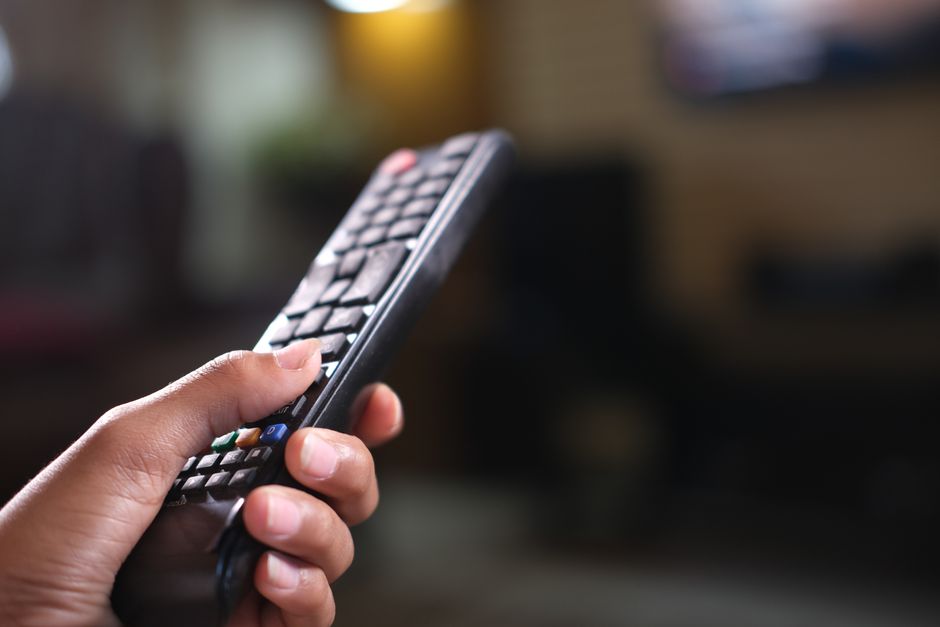
Amazon bundles a rectangular plastic clicker with dedicated shortcut buttons for Netflix, Prime Video, and sometimes Freevee. The layout feels familiar. It includes a dedicated microphone button for voice commands.
Google provides a smaller, pebble-shaped remote with a directional pad and a built-in Google Assistant button. It features a matte finish that resists greasy fingerprints. Some users find the minimalist button count refreshing. Others miss dedicated service shortcuts.
Both remotes can control your television’s power and volume via infrared or HDMI-CEC. Setting this up takes less than a minute during the initial device pairing wizard.
Network Performance and Wi-Fi Handling
Streaming high-definition video requires a stable wireless signal. If your router sits far from the living room, connection drops ruin movie night. Households experiencing issues can read our guide on why your smart TV keeps buffering for troubleshooting steps that apply equally to external media sticks.
Amazon hardware often includes robust Wi-Fi antennas, particularly on the 4K Max iterations. They handle congested 5GHz home networks very well. Google devices rely on efficient software buffering to maintain playback stability.
Neither device includes an Ethernet port in the standard box. If you want a wired connection to eliminate Wi-Fi interference entirely, you must purchase an official Ethernet adapter separately from the manufacturer.
Value for Money and Hardware Specifications
Price points fluctuate during promotional periods like Prime Garden events or Black Friday. However, standard retail pricing keeps both brands closely matched.
Entry-level models support standard high-definition output. They suit older kitchen televisions or spare bedrooms. 4K models cost more but add Dolby Vision, HDR10+, and Dolby Atmos audio passthrough. If you own an Atmos soundbar, buying a basic HD streaming stick wastes your audio equipment’s potential.
Storage space varies between models too. Installing dozens of games and streaming apps fills up internal memory quickly. Amazon and Google handle app caching differently, but both offer roughly eight gigabytes of onboard storage on their standard models. You cannot easily expand this storage without buying a powered USB hub and a compatible flash drive.
Making Your Final Choice
Choosing a Fire TV Stick vs Google Chromecast depends on your household’s digital habits. Pick the Amazon route if you subscribe to Prime and enjoy a heavily curated retail interface. Choose the Google alternative if you prefer a clean interface that aggregates multiple streaming catalogues without pushing one retailer.
Both devices deliver sharp picture quality, responsive voice search, and full support for British catch-up applications. Match your choice to your existing phone ecosystem and smart home gadgets for the smoothest daily experience.
Related reading
- How to Set Up a Streaming Device on UK Smart TVs
- How to Configure Streaming App Settings on Android TV in UK Living Rooms
