 Skip to content
 Choosing a High-End Streaming Box in the UK
Finding the right hardware to power your living room entertainment can feel surprisingly complicated. Smart TVs often come with built-in software, but these platforms frequently slow down over time. Dedicated streaming boxes offer a faster interface, more reliable updates, and better app compatibility. When looking at premium options, two devices dominate the conversation: Apple TV vs Fire TV Cube. Both sit at the top of the price range, yet they approach home entertainment from entirely different angles.
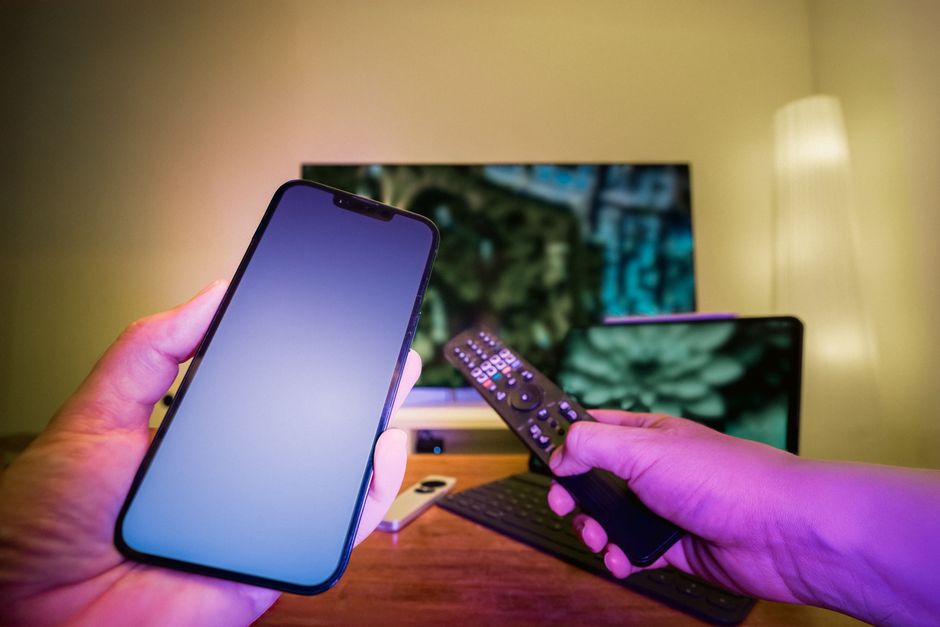
UK households rely on a mix of public service broadcasters like BBC iPlayer and ITVX alongside subscription services such as Netflix, Disney+, and Now TV. How a streaming box handles these local apps matters just as much as its raw hardware power. Let us examine how these two heavyweights stack up against each other across everyday usage, interface design, and value for money.
Operating Systems and User Experience
Apple runs tvOS, while Amazon relies on a heavily customized version of Android known as Fire OS. These two operating systems offer radically different day-to-day experiences.
Apple tvOS provides a clean, clutter-free grid of apps. It contains zero advertisements on the main menu. You simply see your downloaded applications, and selecting one takes milliseconds. Apple integrates its own services quietly into the background without shoving movie rentals down your throat.
Amazon takes the opposite approach. Fire OS functions essentially as a billboard for Amazon Prime Video and sponsored content. The top half of the screen usually displays a massive banner ad for a new series or film. If you subscribe to Amazon Prime, this setup works well enough. If you prefer a neutral interface, the constant promotions grow frustrating very quickly.
App performance on both boxes is exceptionally fast. Apple uses powerful mobile processors that breeze through heavy menus. Amazon equips the Fire TV Cube with an octa-core processor that handles multitasking with ease. Neither device struggles with lag during normal navigation.
Hardware Performance and Connectivity
Streaming high-definition and 4K content requires a reliable connection and robust hardware codecs. Both devices support Dolby Vision and Dolby Atmos, ensuring top-tier picture and sound quality if your television and soundbar support them.
Ethernet ports are included on both models. A wired connection prevents the sudden drops in bitrate that often plague Wi-Fi networks. Readers interested in network stability can also explore our guide on smart TV Wi-Fi vs Ethernet myths to understand why wired setups generally outperform wireless ones for heavy video streaming.
The Fire TV Cube includes built-in far-field microphones. You can control your television, adjust the volume, and launch apps using voice commands without picking up the remote. Apple TV relies entirely on Siri via its remote control button. Some users love hands-on voice control; others turn the feature off entirely for privacy reasons.
Remote controls tell a story about each manufacturer’s design philosophy. Apple provides a sturdy aluminium remote with a touch-sensitive clickpad. It charges via USB-C and feels premium in the hand. Amazon includes a plastic voice remote. It gets the job done, but it feels distinctly lighter and less durable than Apple’s offering.
UK App Support and Broadcaster Integration
Hardware power means nothing if your local catch-up apps refuse to work properly. Fortunately, both platforms support the full suite of UK streaming applications.
BBC iPlayer, ITVX, Channel 4, and My5 run smoothly on both Apple TV vs Fire TV Cube. However, how these apps integrate into the broader system search differs. Apple uses its native TV app to aggregate content across different services. Search for a British drama, and Apple TV tells you whether it lives on BBC iPlayer, ITVX, or Netflix, letting you jump straight into the episode.
Amazon’s Fire OS pulls content into its universal search bar as well, but results lean heavily toward pushing Amazon’s own store rentals. Finding a free catch-up show sometimes requires wading past options that cost money.
Live television integration is another factor for UK viewers. While neither box replaces a traditional broadcast aerial entirely, both support third-party apps and digital TV tuners if you want to stream live channels over your home network.
Price and Long-Term Value
Cost separates these two devices significantly. The Apple TV 4K sits at the luxury end of the market, carrying a steep initial purchase price. It does not come with bundled subscriptions, though Apple occasionally includes a short trial of Apple TV+.
The Amazon Fire TV Cube costs noticeably less, though it still represents a flagship investment for a streaming stick alternative. Furthermore, Amazon frequently discounts its hardware during major shopping events like Prime Day or Black Friday, making it much easier to acquire at a lower price point.
Longevity also favours Apple in many households. Apple typically supports its hardware with operating system updates for many years longer than typical Android-based streaming devices. An Apple TV purchased today will likely receive software updates long after a comparable Fire TV model has reached the end of its official support lifecycle.
Final Recommendation for UK Viewers
Choosing between these two devices comes down to your household ecosystem and your patience for on-screen advertising.
If you already use an iPhone, iPad, or Mac, buying an Apple TV makes complete sense. AirPlay sharing works flawlessly, photos sync automatically, and the ad-free interface provides a peaceful user experience that justifies the higher upfront cost. It is a premium product designed for people who value simplicity and longevity.
If you want hands-on voice control, heavily use Amazon Prime, and prefer keeping your tech budget lower, the Fire TV Cube delivers great performance. Just be prepared to ignore the commercial banners plastered across your home screen every time you turn on the television.
Related reading
- MAG Boxes vs Amazon Fire TV Stick for IPTV Streaming in the UK
- Smart TV Storage and Performance Myths vs Facts in UK Homes
